
How it Works
Upload & Parse
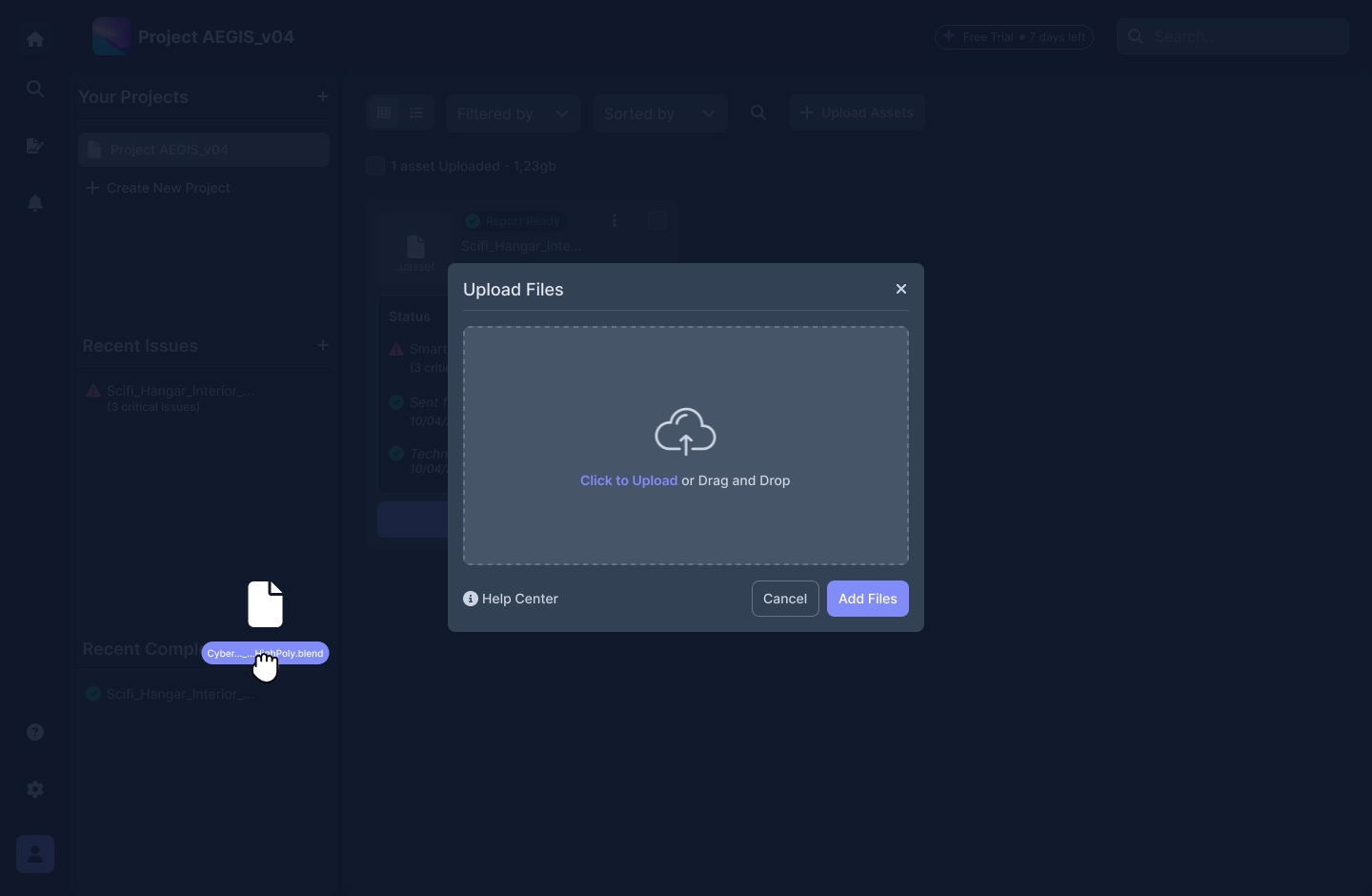
Drop your .OBJ, .FBX, or .GLTF files directly into our secure web staging area. PioneerPixel’s ingestion engine reads the raw vertex data and maps the geometry instantly in a temporary, read-only layer without altering your original files.
Automated Smart Check
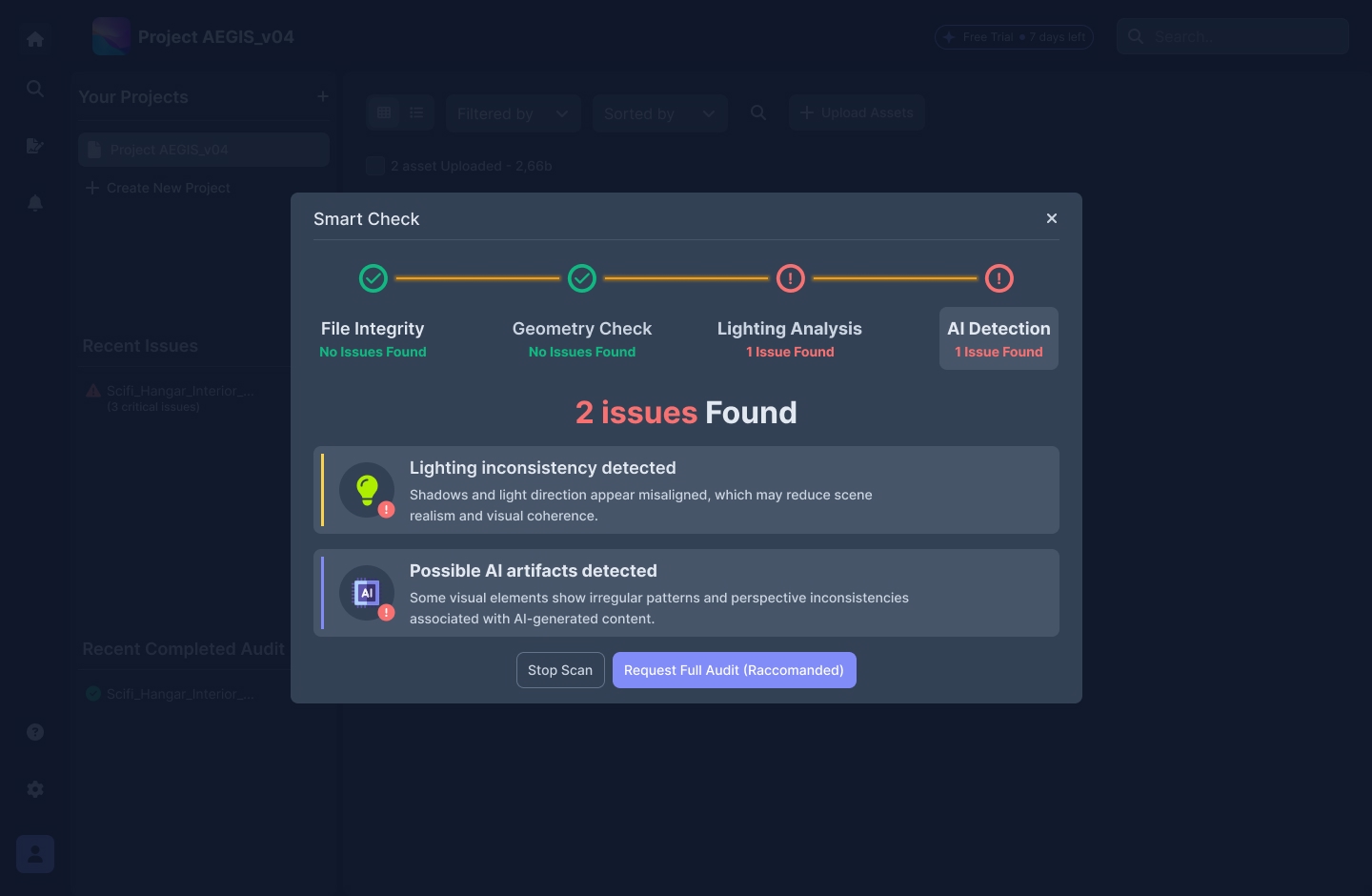
Our diagnostic pipeline executes a comprehensive topology audit. The software isolates non-manifold vertices, chaotic polygon distribution, inverted normals, and chaotic generative AI noise, compiling everything into a clean visual log within 60 seconds.
Deploy & Share
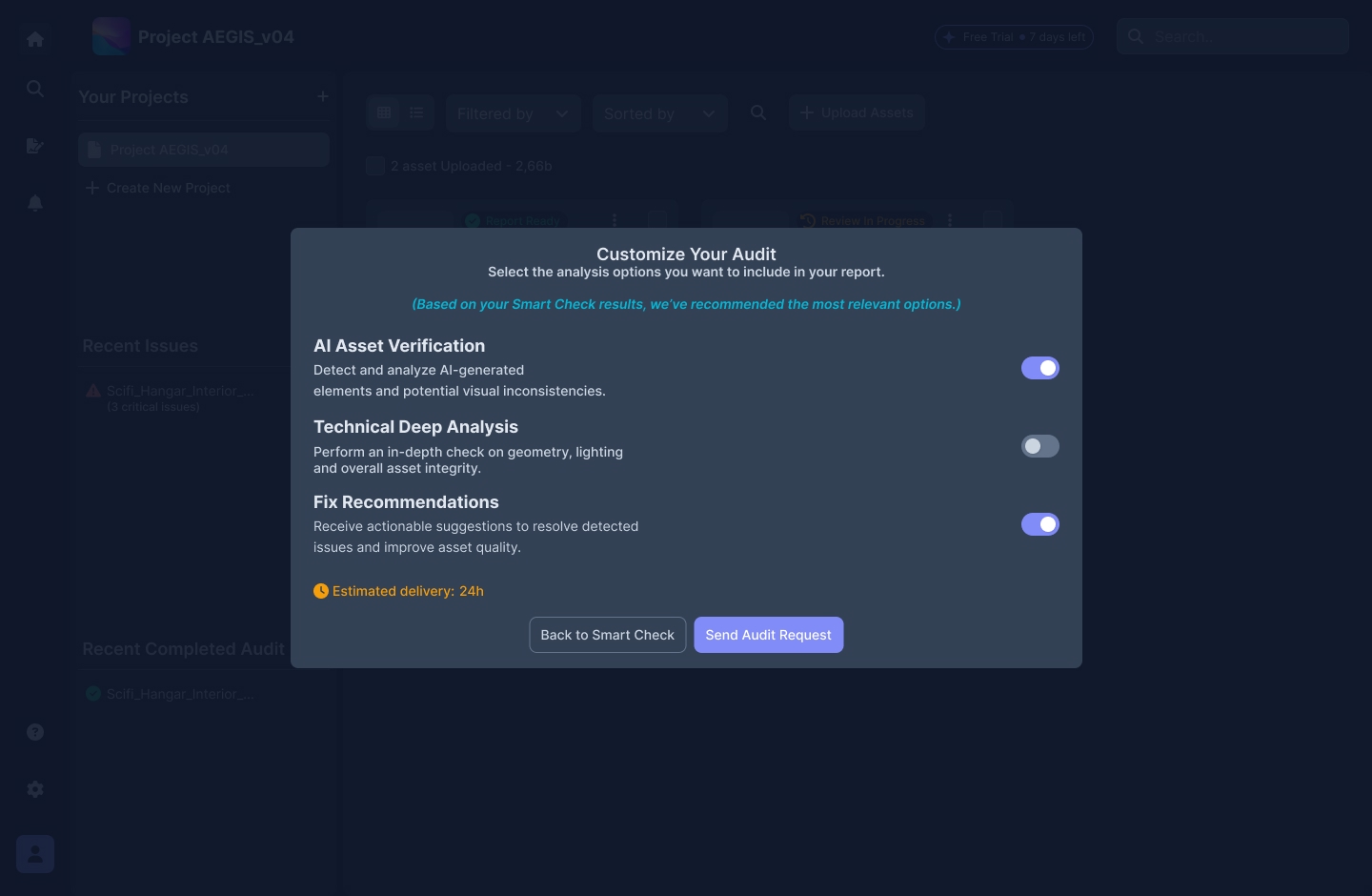
Review the errors inside the interactive viewport or export a detailed JSON/PDF quality report. Need a client approval? Generate an encrypted, single-use access token link so external supervisors can audit the technical assets securely.
Ready to optimize your 3D pipeline? Let’s talk.
Whether you want to request early private access, integrate our diagnostic engine into your custom studio pipeline, or schedule a technical demo for your team, fill out the form. Our engineers will get back to you within 24 hours.
Submit Technical Inquiry
Frequently Asked Questions
Can’t find what you’re looking for? Our technical support team is here to help. Whether you have a specific question about 3D format parsing, token security, or custom pipeline integration, drop us a line.
Still have questions?
Contact Support